
Create translation project
1. Navigate to Tasks > File translations.
2. Click on the New translation button.

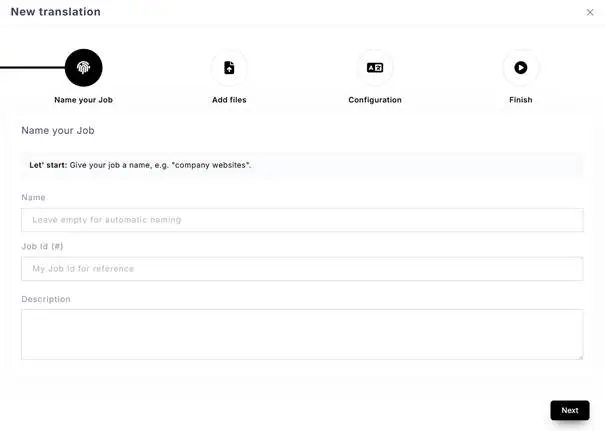
3. In the popup window, add the name of the project, project ID (optional) and a description (optional), and click next.
4. Add your file(s) by browsing or dragging and dropping them.

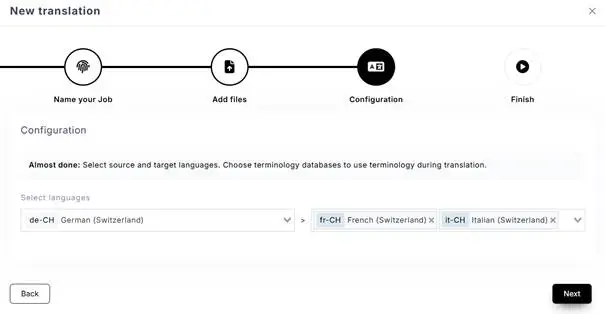
5. Choose source and target languages. You can choose multiple target languages.
6. Click Finish. All preconfigured processes, such as translation memory matches, glossary integration, machine pretranslations, and AI workers, will run in the background.
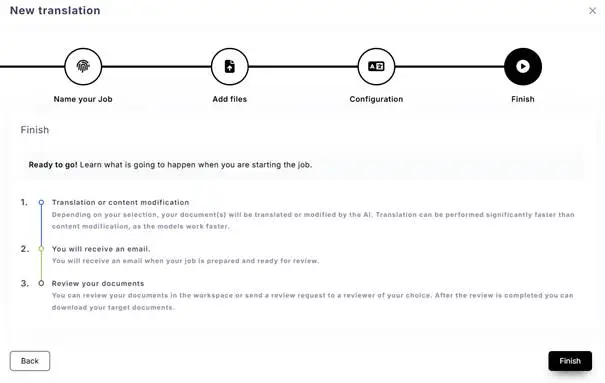
7. You will receive a confirmation that the job started.
